3D model and compliance check
Building, services and landscape are drawn in one model. The model is checked against a rule set; every rule carries its source and article number.
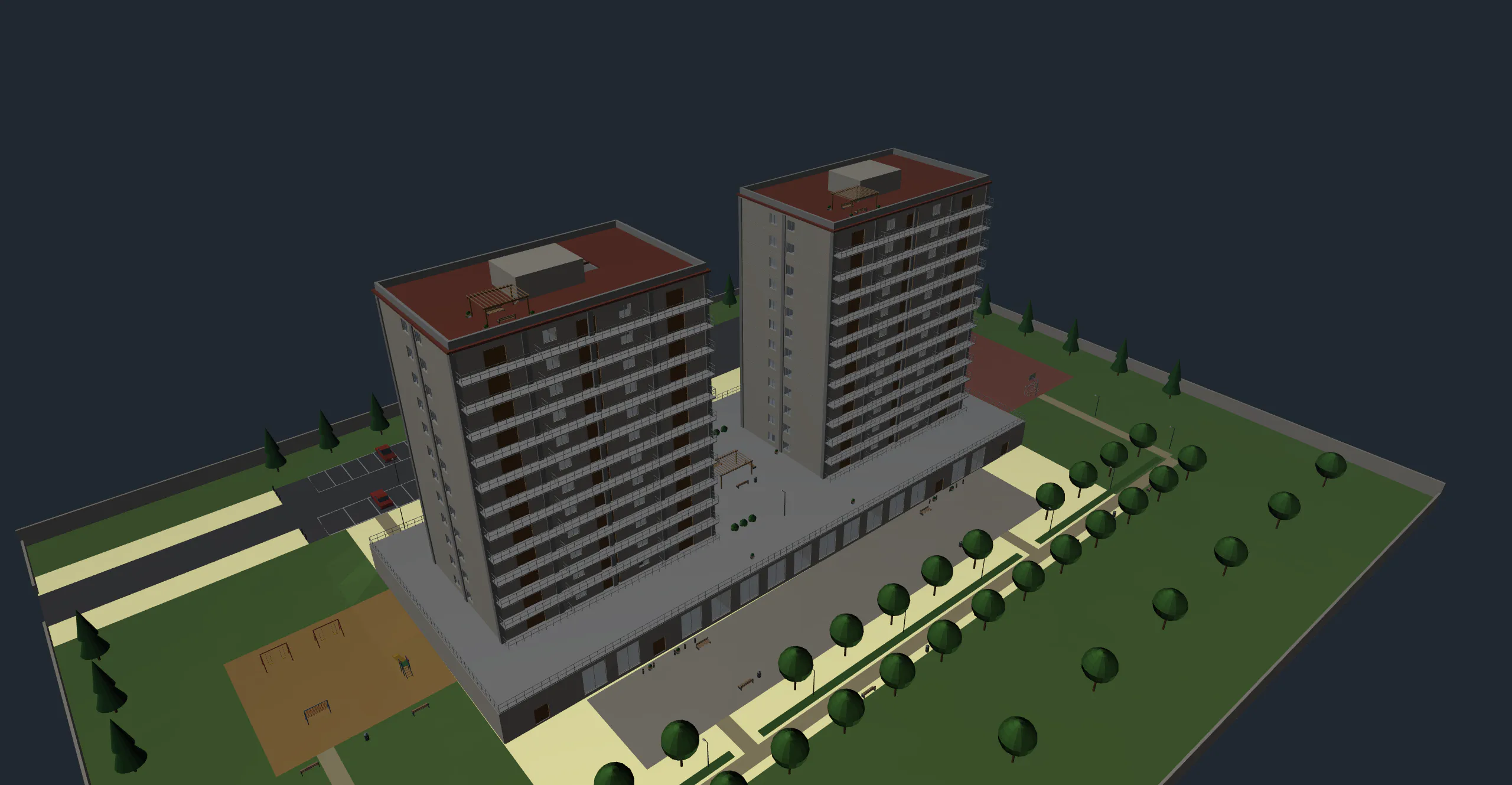
Structure
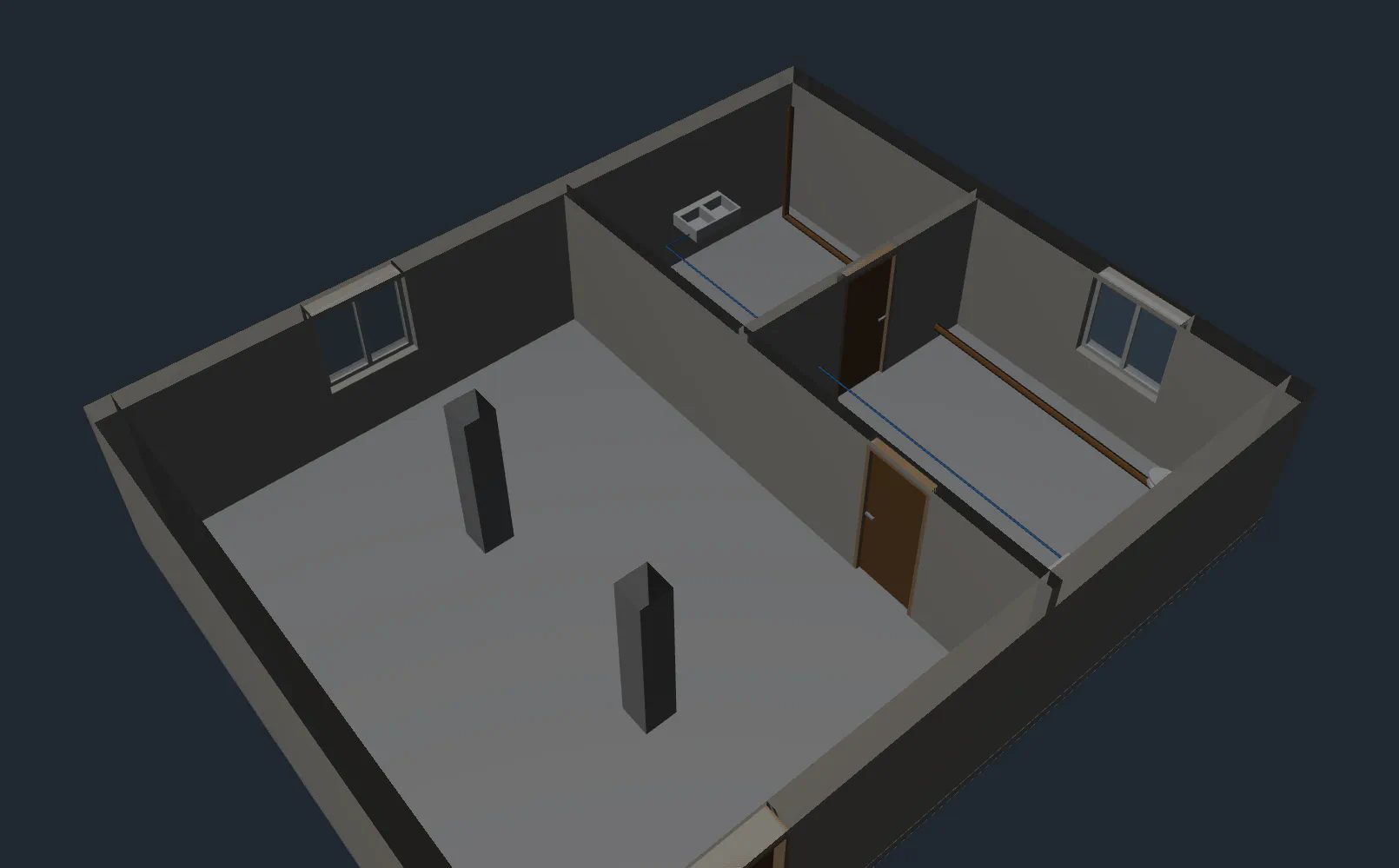
Building elements are drawn in 3D and distributed over the storeys.
- Load-bearingWall, slab, column, beam
- Vertical and topStair and roof
- StoreyElements are organised storey by storey
- OpeningsDoor, window, opening and shaft
- SpaceRoom and area
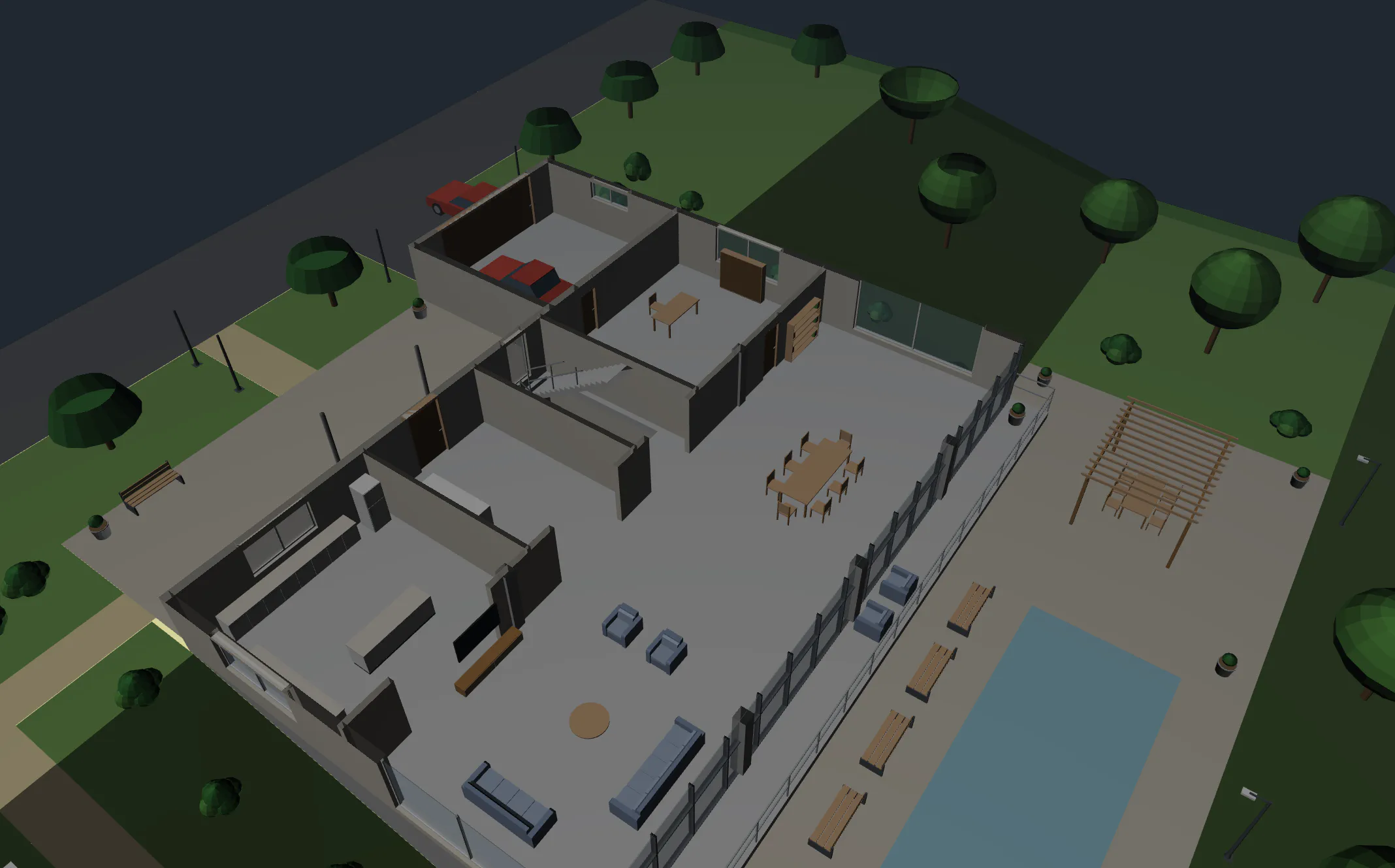
Services
In-building service lines are part of the model.
- WaterClean water and waste water lines
- RainwaterRainwater lines
- HeatingHeating lines
Export
The model is delivered in open formats so that it can be opened in other programs.
- IFC 4.3Building information model format
- glTF3D viewing format
Massing and components
The building starts from a mass and goes down to detail. Ready-made components are placed in the model; outside models are imported.
- MassingA prism is drawn, its faces are pushed and pulled
- Component libraryFurniture, trees and fixtures are placed
- Model importglTF, OBJ and STL files
- Extraction from planWalls, columns and openings from a floor plan drawing
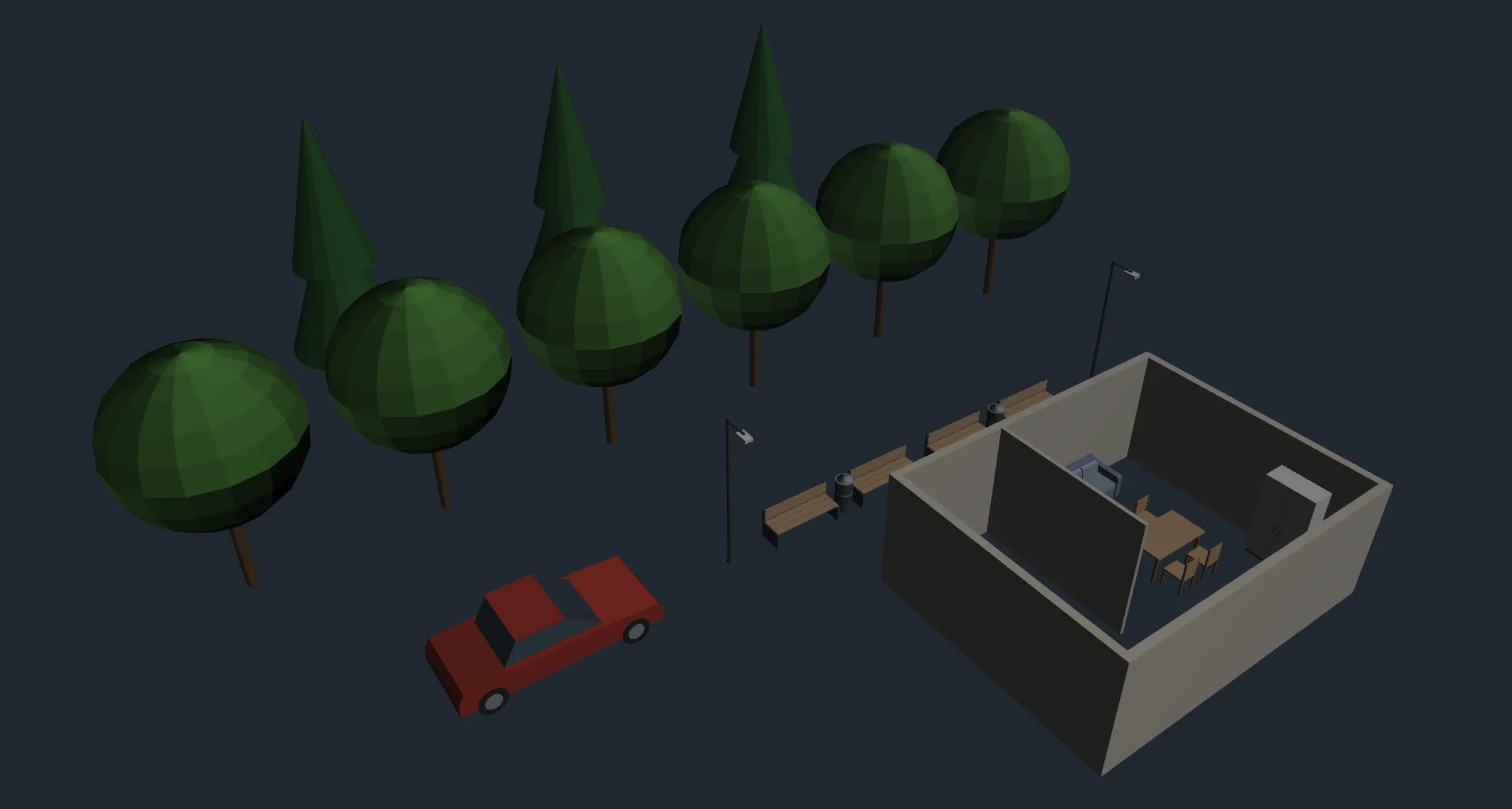
Landscape
Road, car park, green area, play and sports areas sit on the terrain.
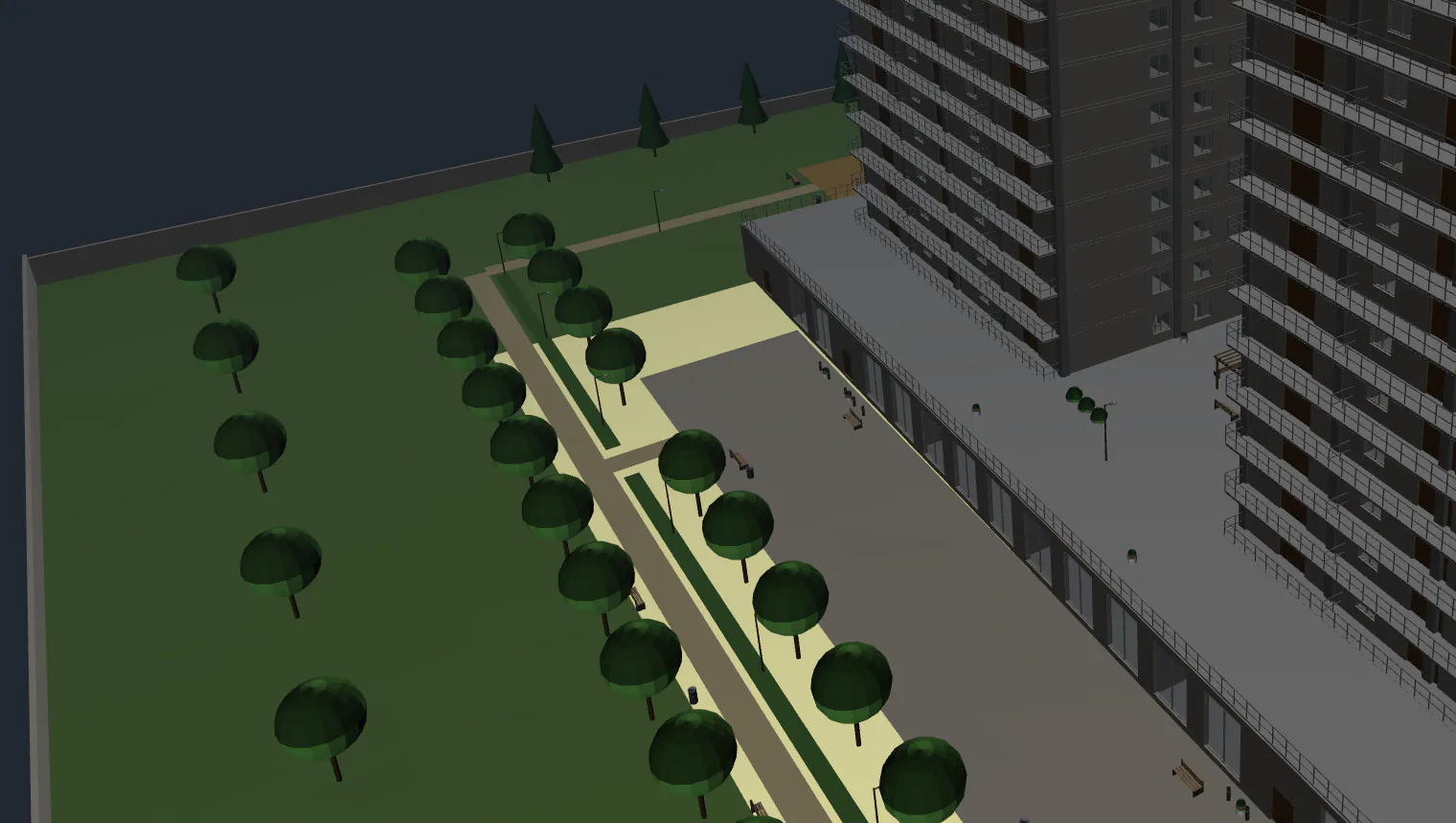
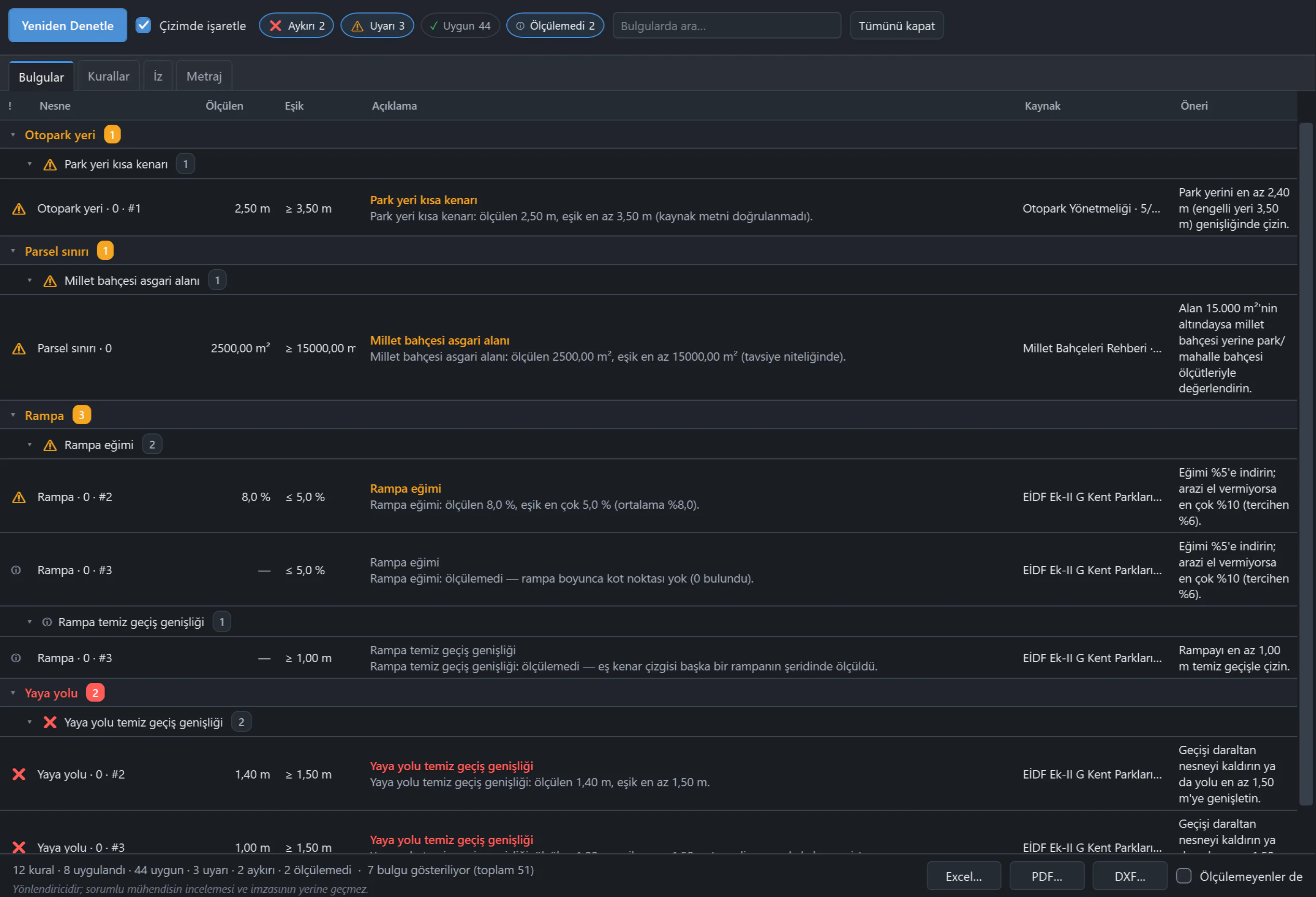
Compliance check
The model is checked against a rule set. The rules are in a data file, not in the program code. What is non-compliant appears in red.
- SourceEvery rule carries its source, article number and date
- Landscape rule setParking Regulation (Otopark Yönetmeliği), Zoning Regulation for Planned Areas (Planlı Alanlar İmar Yönetmeliği) and two guidelines
- ReportThe compliance report is delivered as XLSX, PDF and DXF
- Type mappingThe drawing's layers are mapped to object types
Section, floor plan, construction sequence animation
Section, floor plan and construction sequence animation are produced from the same model.
Outputs
| Deliverable | Format |
|---|---|
| 3D model | IFC 4.3 · glTF |
| Compliance report | XLSX · PDF · DXF |
Plainly: what it does not do
- It does not perform structural (static) calculations.
- It does not import IFC files.
- It does not replace the responsible engineer: the check result is submitted for the engineer's approval.
Related demos
 0:43
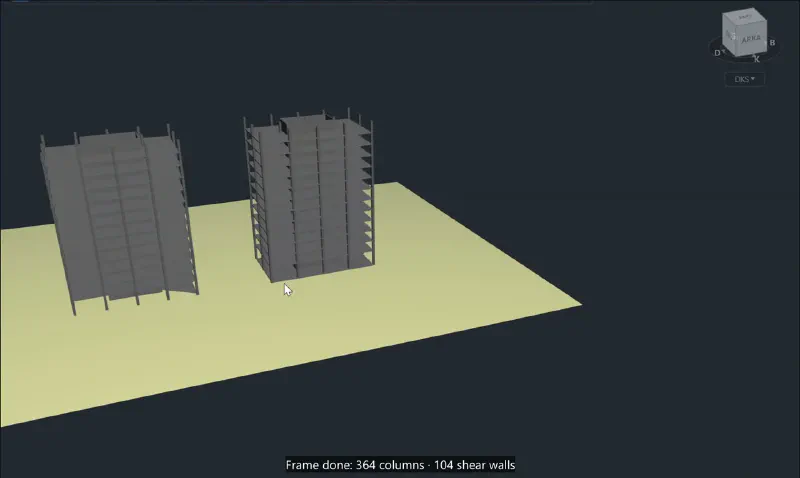
From parcel to structural frame
Terrain from survey points, the parcel boundary and the load-bearing frame of two towers are built in a single chat.
3D model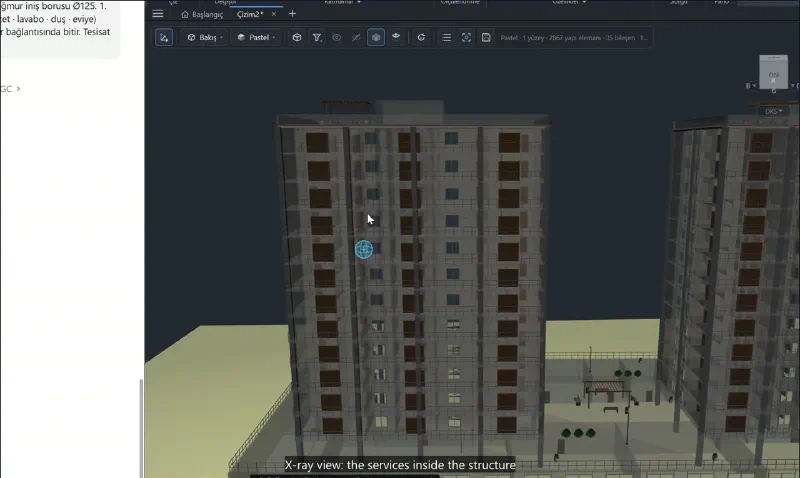 0:33
In-building services: four systems
Waste water, clean water, heating and rainwater lines are laid out with their risers and storey branches in a single prompt.
3D model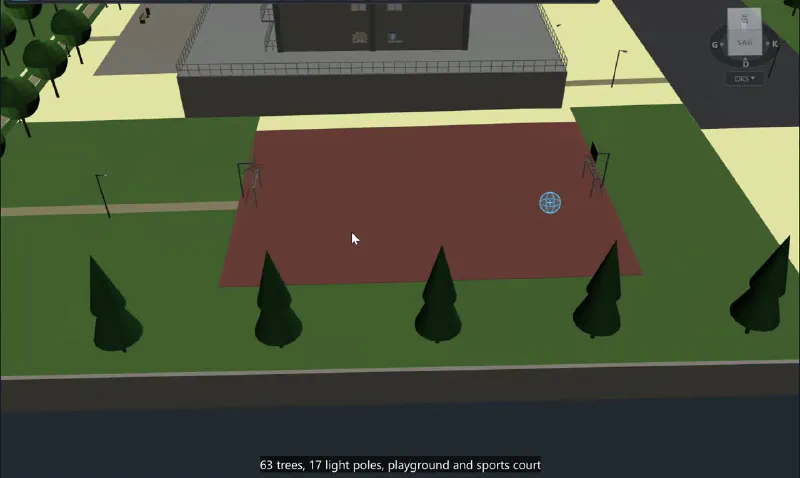 0:38
Landscape sits on the terrain
Car park, footpaths, play and sports areas are drawn with a single prompt; the areas turn into 3D surfaces that sit on the terrain.
3D model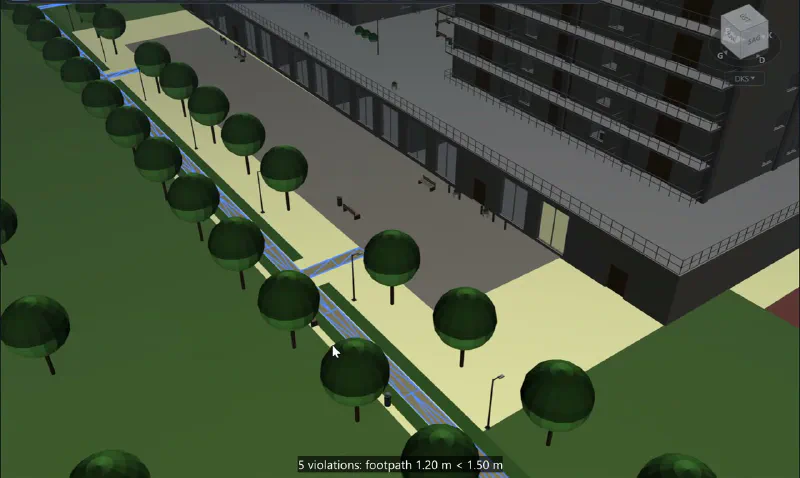 0:42
Compliance check: from red to green
The landscape rule set checks the drawing and marks the narrow footpath in red. After the correction the second check comes out clean.
3D model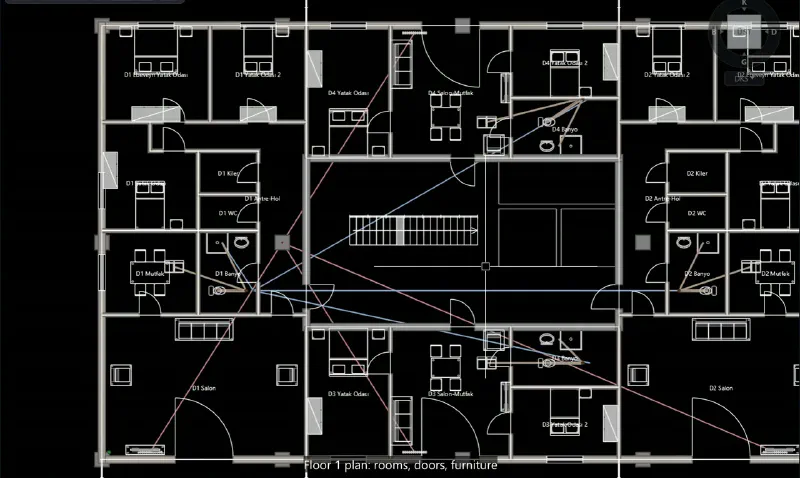 1:01
From model to output: IFC and sheets
Section and floor plan are produced from the model; the model is exported as IFC 4.3.
3D model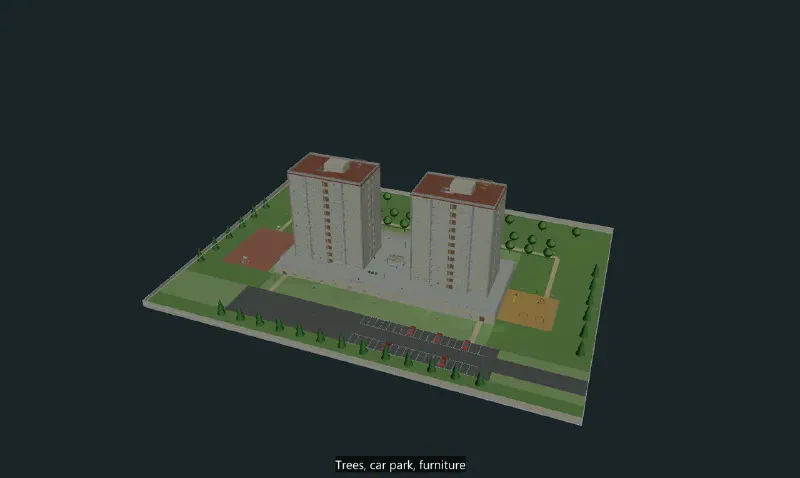 0:16
Construction sequence animation
The model is ordered by construction sequence and plays as a 3D animation from foundation to roof.
3D model